Changi Airport Terminal X
🌑 Setting & Theme
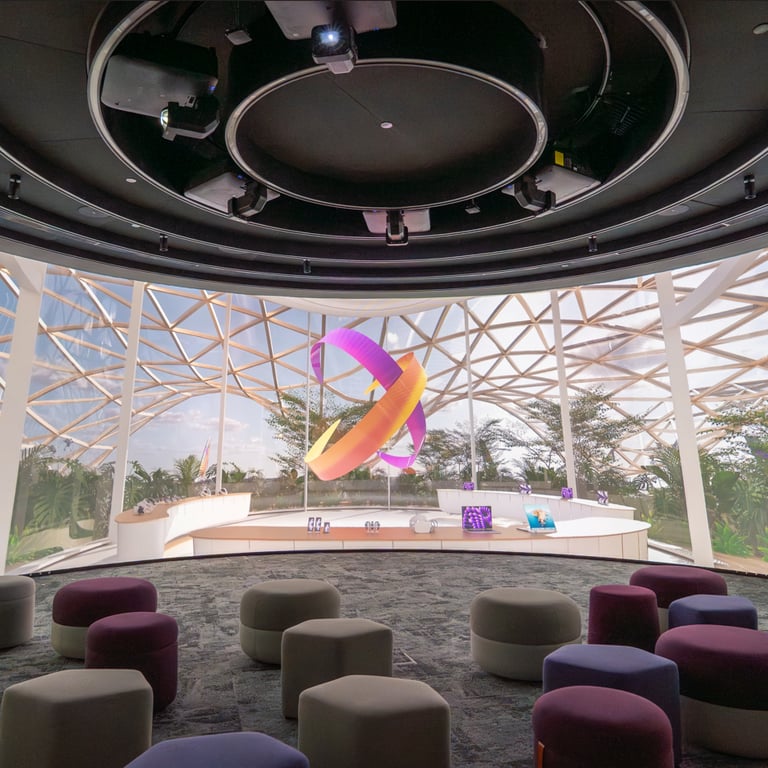
Context: The project is an interactive installation for Changi Airport's Terminal X, specifically tailored for a dedicated "Chamber" environment.
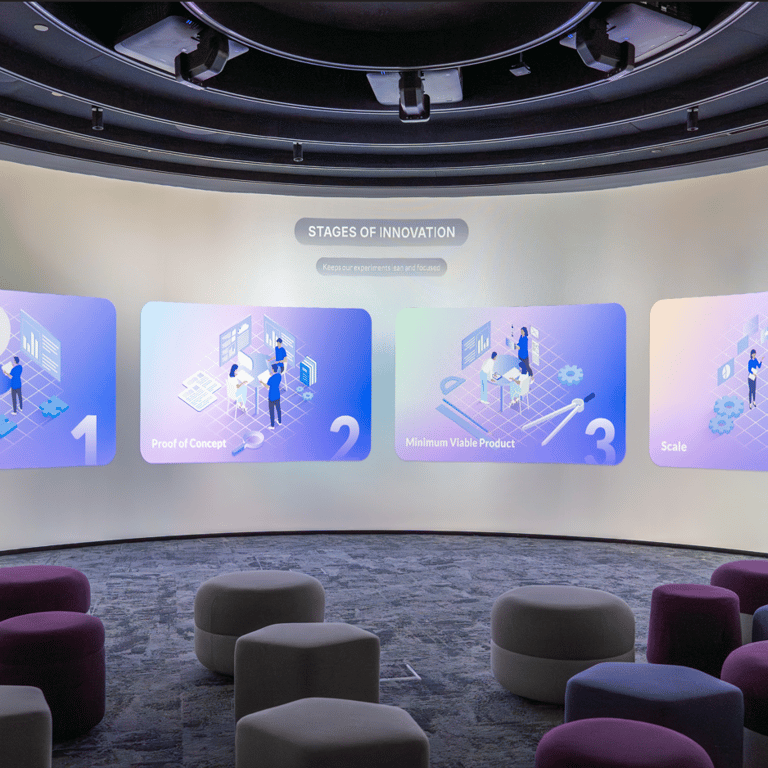
Narrative Focus: The theme centers on innovation and strategic growth, structured around key narrative milestones: Opening, Innovators Journey, 4 Stages of Innovation, Partnerships, and a conclusive End Scene.
Visual Aesthetic: The application prioritizes high-fidelity visual storytelling. It utilizes a combination of large-scale 2D/3D video content, translucent blur effects, and smooth UI transitions managed through a dynamic fade system. The design is clean and professional, befitting a premium corporate/aviation exhibition.

⚙️ Features & Interactions
Dual-Mode Playback:
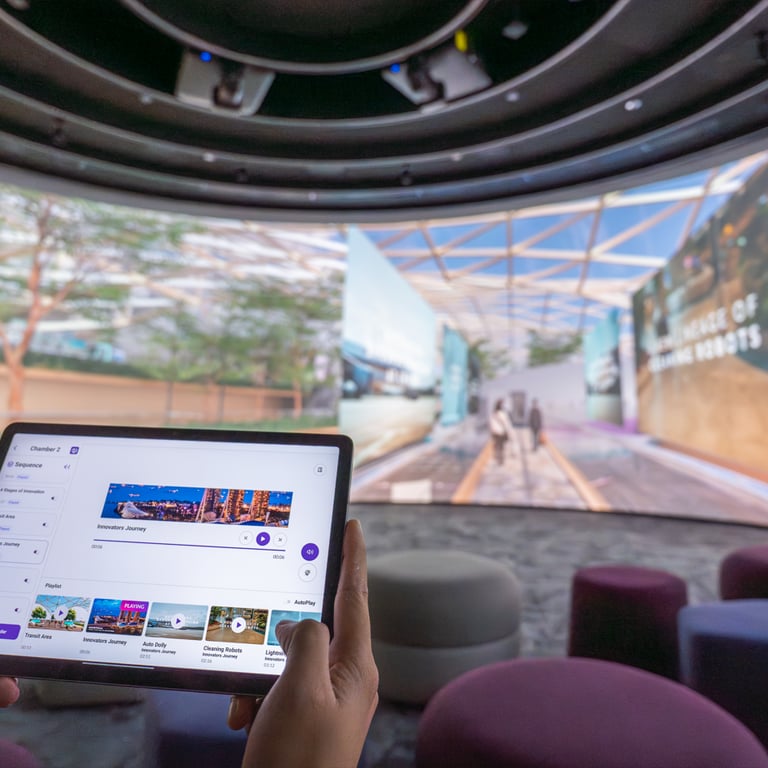
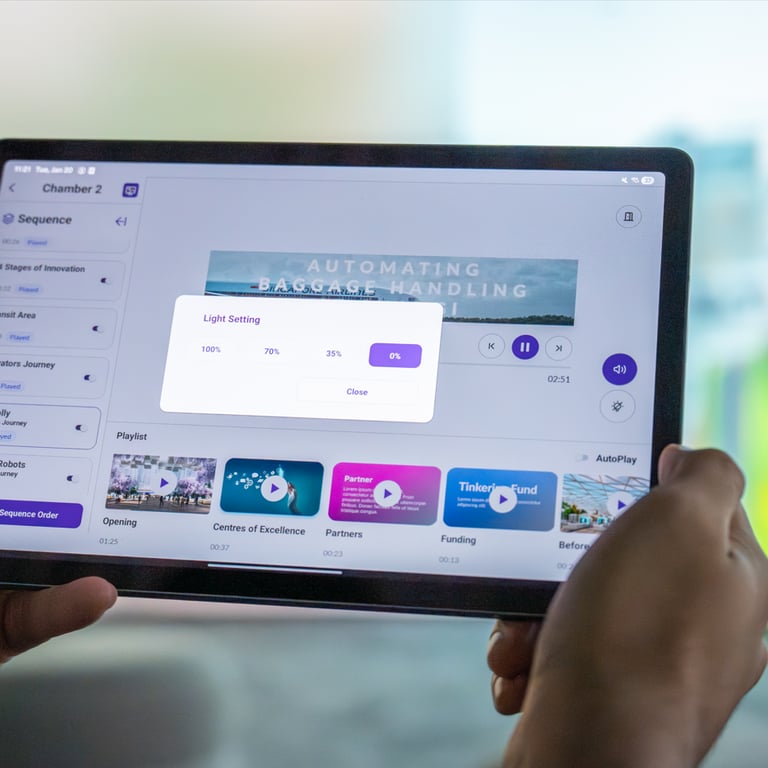
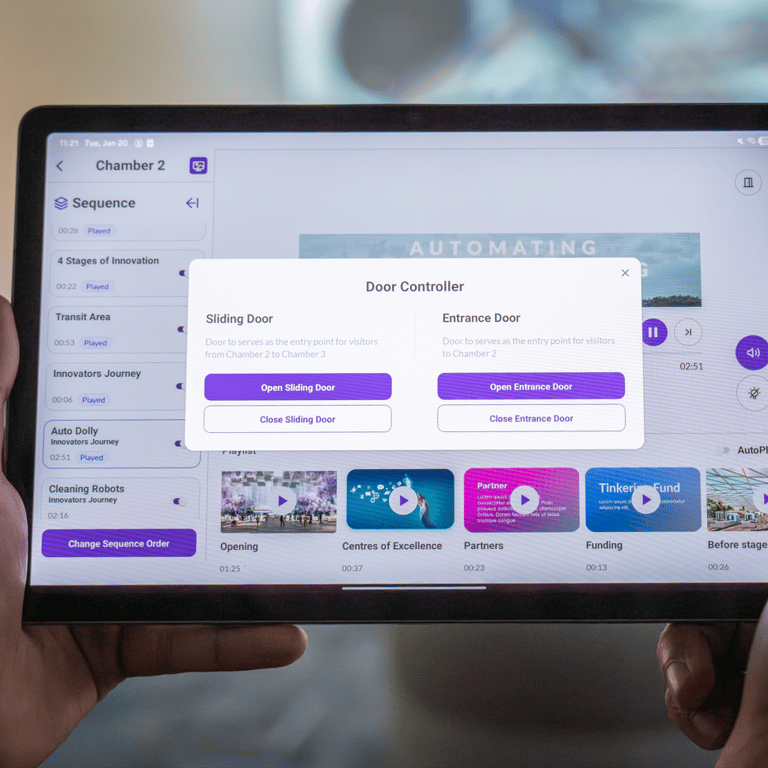
AutoPlay (Playlist Mode): The system can function autonomously, cycling through a curated sequence of content items defined in the CMS.
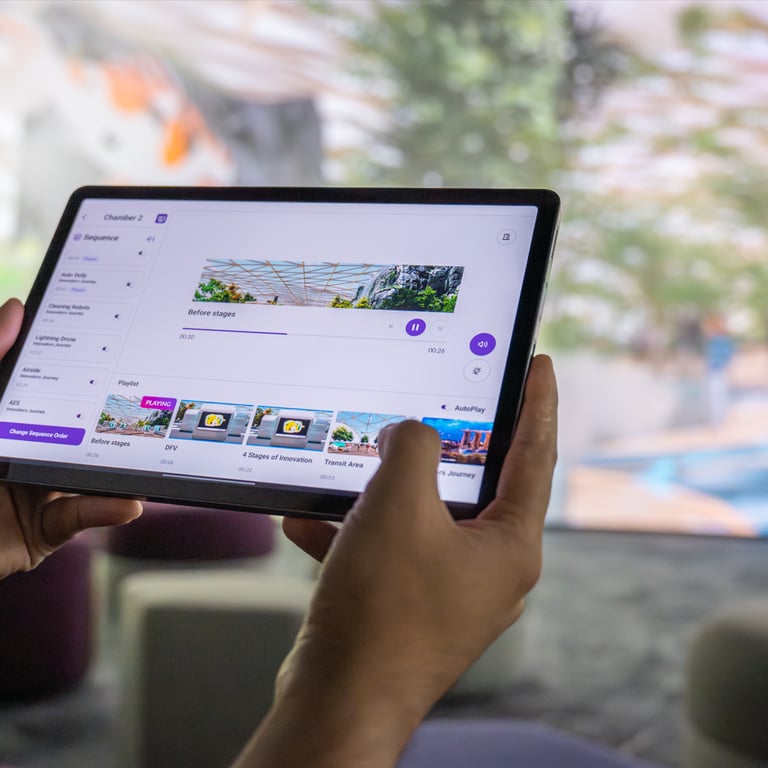
Manual Controller Mode: An external controller can take command at any time, allowing users to manually trigger specific items, pause/resume playback, or navigate through detailed content.
MQTT-Based Remote Control: The system uses a real-time communication layer (MQTTClientConnectionManager) to receive commands from a handheld controller. This allows for seamless interaction without physical contact with the display.
Interactive PDF/Slide Integration: Beyond video, the system integrates a PDFManager that can trigger static or interactive slide overlays at specific points in the narrative.
Intelligent Idle Management: An integrated IdleTimerHandler monitors user activity. If the system is left idle, it automatically transitions into a high-quality looping screensaver.
Smooth Narrative Flow: Uses tween for micro-animations and Async Task for asynchronous content loading, ensuring that transitions between heavy video assets are fluid and performant.
🔗Backend Integration
Real-time Communication: Implements a robust MQTT publisher/subscriber model. The display app acts as a listener for ActionType commands (play, pause, resume, volume, slide, refresh) and can also broadcast its status (e.g., "Ready") back to the controller.
RESTful API Interface: Uses UnityWebRequest with authentication to communicate with the backend server. It fetches critical data including user-specific content, global variables, and environmental settings.
Global Variable Sync: The application dynamically syncs settings like Autoplay config and IdleTime duration from the server, allowing remote configuration without rebuilding the app.
🌐 CMS Integration
Automated Content Sourcing: The RefreshData manager orchestrates the synchronization with the CMS. It parses complex JSON structures to map resources to the appropriate narrative handlers.
Local Resource Caching: To ensure high-performance playback in exhibition settings, the system automatically downloads and caches all video and image assets from the CMS to the local filesystem. It performs file integrity checks and only updates modified assets.
Dynamic Asset Preparation: The integration includes an automated video frame extraction process. This allows the UI to generate high-quality previews or "scrubbing" points based on the actual video files uploaded to the CMS.
Flexible Data Mapping: The Chamber2Data structure acts as a bridge, translating the CMS's hierarchical data (Opening, Framework, Resources) into actionable Unity objects and playlists.